
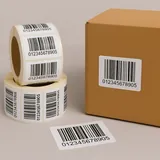
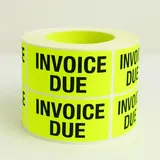
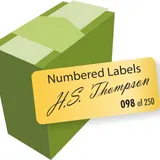
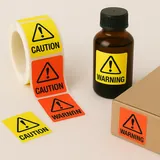

Bottle & Beverage Labels
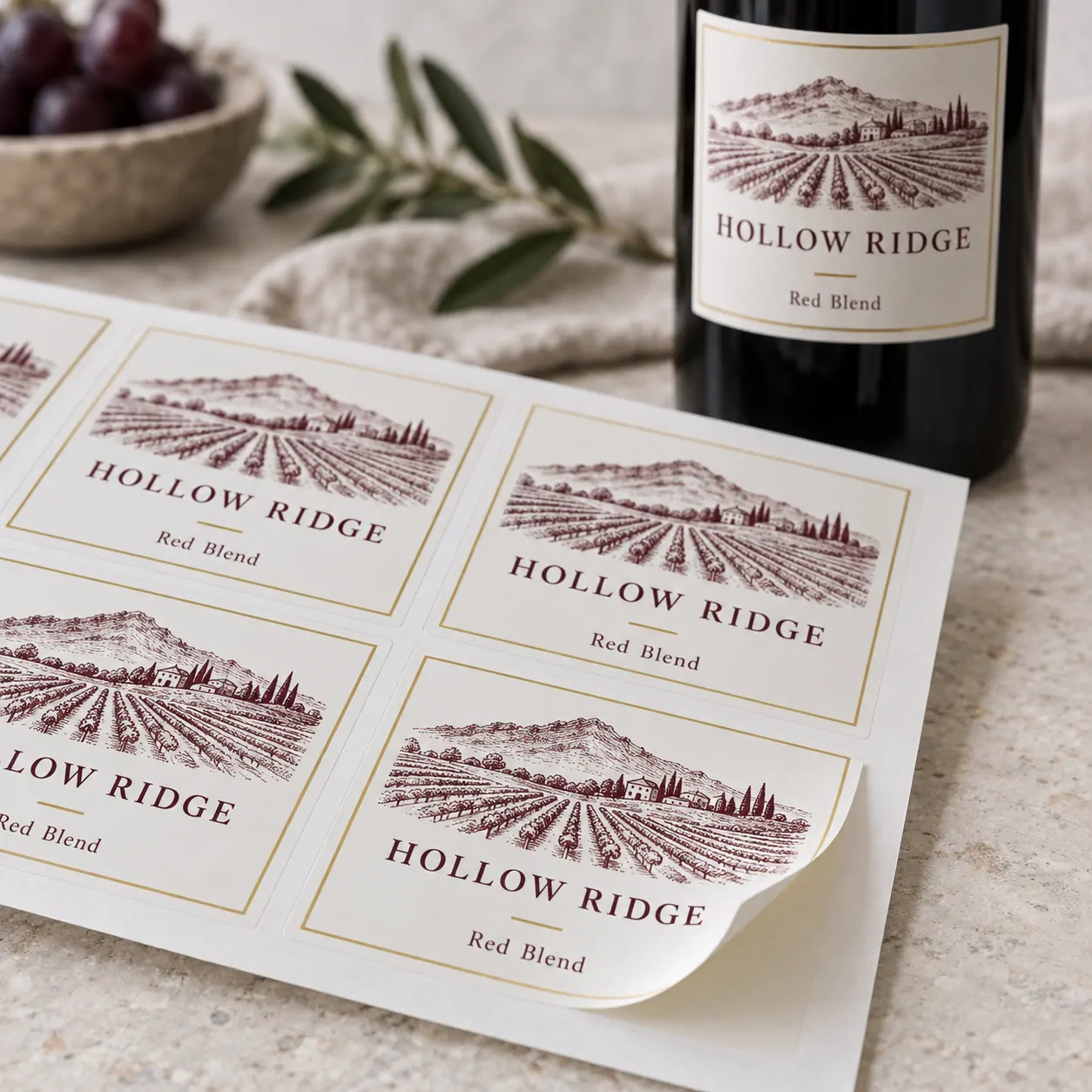
Wine Labels
Choose the size, material and quantity for your wine labels, then continue to the existing Sticky Labels design tool.
Your selected size, material, quantity and price continue with you.
Upload your print-ready file
PDF, PNG, JPG, GIF, DOC, DOCX, PPT or PPTX · maximum 20MB · 300+ DPI recommended.
 ★★★★★Read customer reviews on Trustpilot ↗
 ★★★★★Read verified Google reviews ↗
About our wine labels
Measure the usable label area on the bottle before choosing a size. Choose Custom Labels when you need to enter a custom width and height.
Available options
Every size, material and quantity shown is one we actively print and stock for this label.
Artwork and online design
After choosing the label specification, use Upload artwork or Design online above. Your selected size, material, quantity and order price continue into the next step.
Choose a size that fits
Measure the available label area on the bottle before choosing a preset or entering a custom width and height.
Select the material
Every material listed is one we regularly print for this label.
Customer reviews
Independent verified reviews from real Sticky Labels customers.
★★★★★“Excellent service! Great help with design, advice about cost-effective production and amazingly fast delivery.”
Judith Ley
★★★★★“Multiple customer of this amazing print company. Absolutely delighted with the speed and accuracy of their work, as well as sensible prices.”
Eran Bauer
★★★★★“Great company. Responsive, accurate and reasonable. Have been using them for several years.”
Diana Clark
★★★★★“Sticky Labels have been my label provider for the last 12 years. The team offer fast and efficient service.”
Deborah Niven
Wine label FAQs
Which sizes can I choose?+
Preset sizes depend on the selected label type and shape. Custom Labels supports a custom width from 3–250 mm and height from 3–190 mm, matching the current printed-label builder.
What label shape can I choose?+
The current Wine Labels draft includes rectangle, circular and square choices. The builder shows only combinations supported by the selected label type.
Can I upload finished artwork?+
Yes. Choose Upload artwork beneath the configurator to add a finished PDF, PNG, JPG or supported office file without restarting your label choices.
How do I compare quantities?+
Choose a quantity in the builder to see the order total and price per label. The saving cards highlight the next useful quantity breaks.