



CONNECT PRINT TO DIGITAL INFORMATION
QR Code Labels
Custom QR code labels for products, packaging, equipment and promotions. Supply your tested QR code and choose paper labels on rolls or waterproof vinyl labels on sheets.
Your selected size, material, quantity and price continue with you.
Upload your print-ready file
PDF, PNG, JPG, GIF, DOC, DOCX, PPT or PPTX · maximum 20MB · 300+ DPI recommended.
 ★★★★★Read customer reviews on Trustpilot ↗
 ★★★★★Read verified Google reviews ↗
About our qr code labels
Custom QR code labels provide a quick way to connect physical products, packaging and equipment with digital information. Supply your tested QR code and we will print it in your chosen size, shape and material, ready to apply to clean, suitable surfaces.
What can QR code labels link to?
- Business websites and landing pages
- Product instructions and user guides
- Menus and ordering pages
- Registration and booking forms
- Videos and digital demonstrations
- Contact details and location information
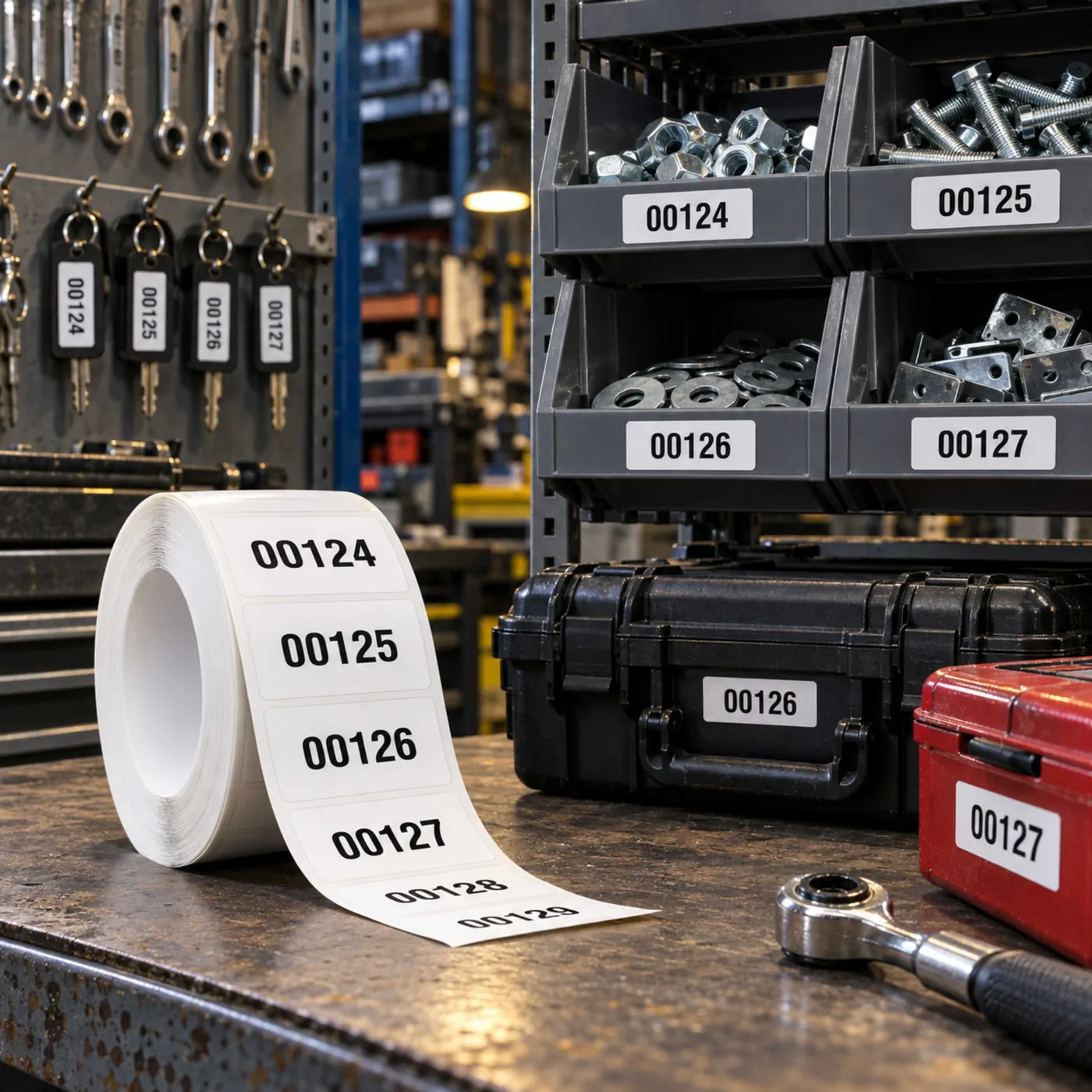
- Asset records and maintenance information
- Promotions, competitions and customer surveys
Supply a finished and tested QR code
Your QR code should be generated and tested before the artwork is submitted. Scan it using several different mobile devices and confirm that it opens the correct destination. We print the code supplied and cannot verify or control the website, file or service to which it connects.
If you use a static QR code, its destination is encoded permanently and cannot be changed after printing. A QR code created through a suitable third-party dynamic service may allow its destination to be updated later, subject to that provider’s terms and continued operation.
Allow enough space around the code
A QR code needs a clear blank margin, often called a quiet zone, around all four sides. Do not place text, borders, photographs or other design elements too close to the code. Removing this space or cropping the outer modules can make scanning unreliable.
Choose a suitable label size
The best size depends on the complexity of the QR code, the viewing distance, the printing surface and the devices being used. A simple code linking to a short web address may reproduce more clearly than a dense code containing a large amount of information.
As a practical starting point, a 40 × 40 mm square label provides useful space for a clearly printed code and its surrounding quiet zone. Smaller sizes should always be tested before a full order is printed.
Use strong contrast
Black QR codes on a plain white background normally provide the strongest and most reliable contrast. Coloured designs may also work, but there must be a clear difference between the dark code and the lighter background. Avoid reflective patterns, busy photographs and low-contrast colour combinations behind the code.
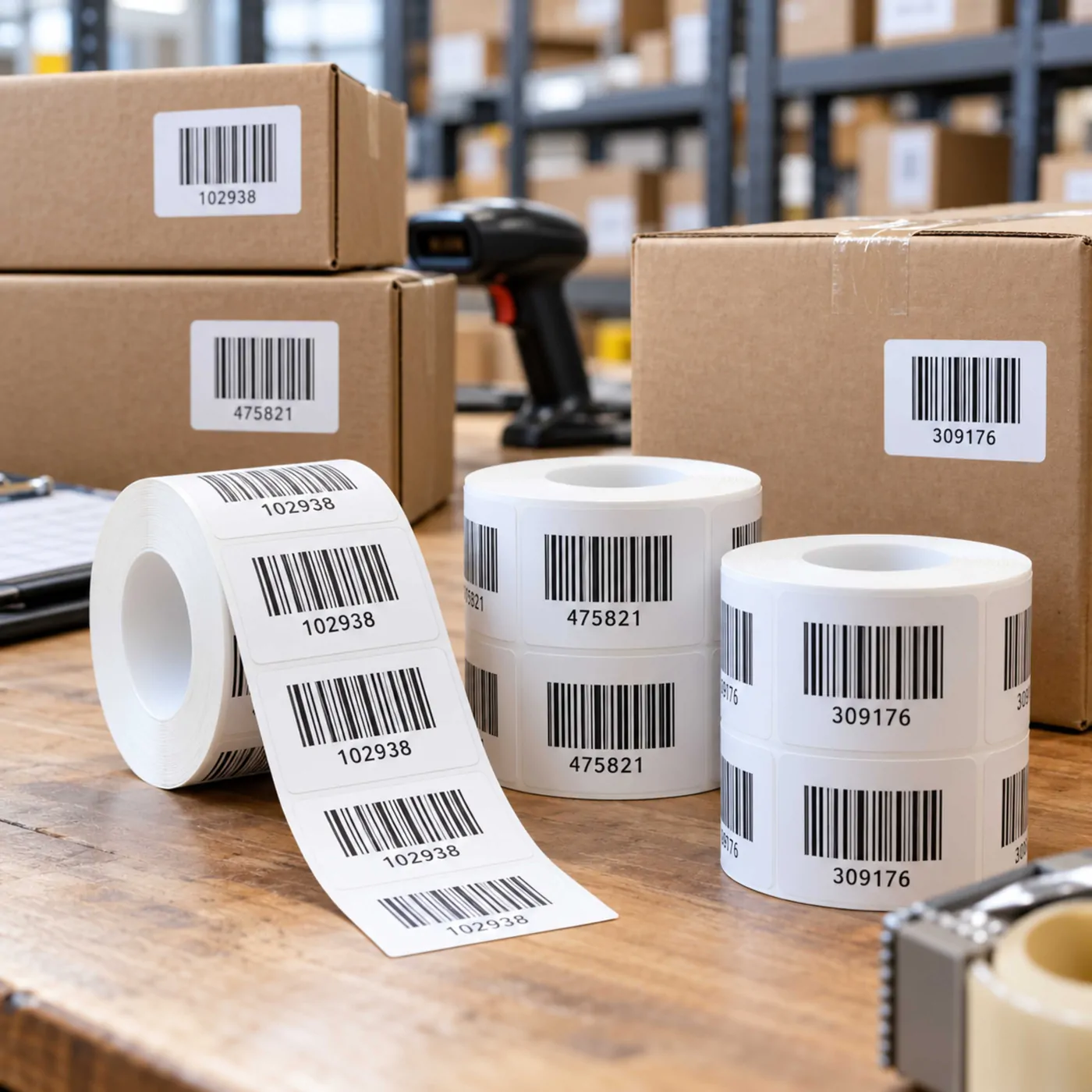
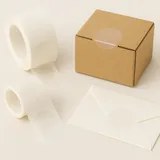
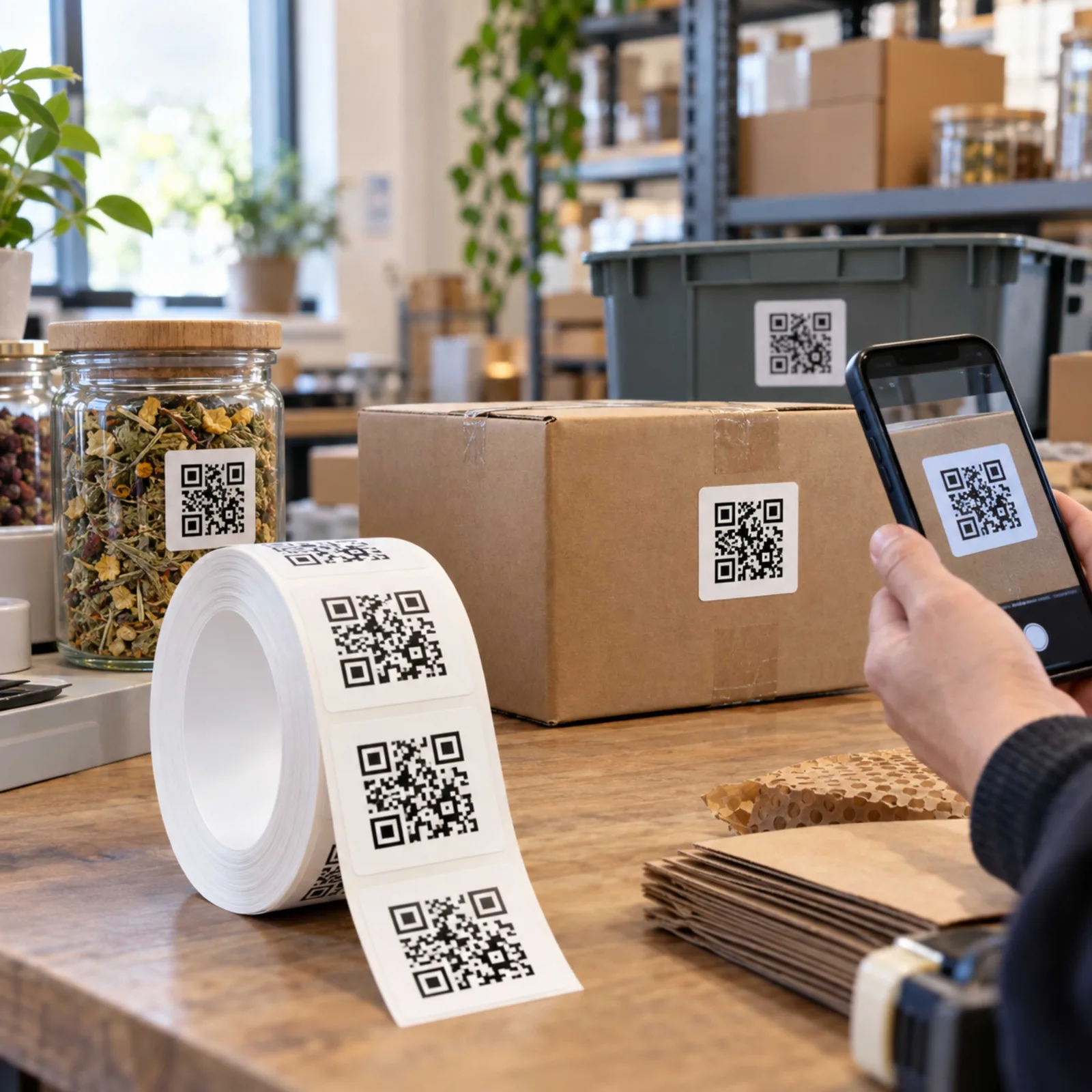
Paper QR code labels on rolls
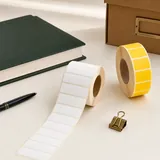
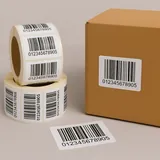
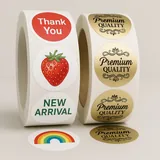
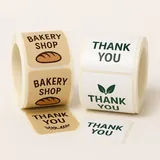
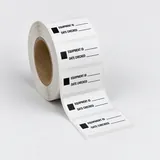
Paper labels on rolls are suitable for boxes, envelopes, paperwork, stock bins and other clean, dry indoor applications. Black-only Discount Labels provide a straightforward and economical option when you only require a black QR code on a white label.
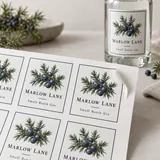
Waterproof vinyl QR code labels
Choose custom vinyl labels on sheets when the code may encounter condensation, moisture, splashes or regular handling. Gloss or matt white vinyl provides a durable background with strong contrast for the printed code.
Applying QR code labels
Apply the label to a clean, dry and reasonably flat surface. Avoid sharp curves, textured materials, seams and corners that could distort the code. Once applied, scan the label again under the lighting and viewing conditions in which it will normally be used.
Repeated or variable QR codes
A standard order contains the same QR code on every label. If you need individually different codes for asset tracking, serialised products or unique customer links, contact us before ordering so that we can confirm the artwork, data and production requirements.
Proofing and production
A PDF proof is available if requested, and we only print after you have approved it. The proof should be checked for layout and content, but you must also test the original QR code and confirm its destination before approval.
Printed proofs and material samples can be arranged when you need to test scanning, adhesion, size or material performance before placing a larger order.
Orders are normally produced within 1–2 working days, with tracked and urgent delivery options available at checkout.
Can’t find exactly what you need? Explore our full range of custom labels and stickers.
Link to useful information
Use QR code labels to direct customers or staff to websites, instructions, menus, product information, registration pages or other online content.
Designed for reliable scanning
Clear contrast, sufficient size and an unobstructed quiet area help smartphones read the code. Always test the finished QR code at its intended printing size before ordering.
Paper rolls or vinyl sheets
Choose paper labels on rolls for clean, dry indoor applications or waterproof vinyl labels on sheets for products exposed to moisture, splashes or regular handling.
Customer reviews
Independent verified reviews from real Sticky Labels customers.
★★★★★“Excellent service! Great help with design, advice about cost-effective production and amazingly fast delivery.”
Judith Ley
★★★★★“Multiple customer of this amazing print company. Absolutely delighted with the speed and accuracy of their work, as well as sensible prices.”
Eran Bauer
★★★★★“Great company. Responsive, accurate and reasonable. Have been using them for several years.”
Diana Clark
★★★★★“Sticky Labels have been my label provider for the last 12 years. The team offer fast and efficient service.”
Deborah Niven