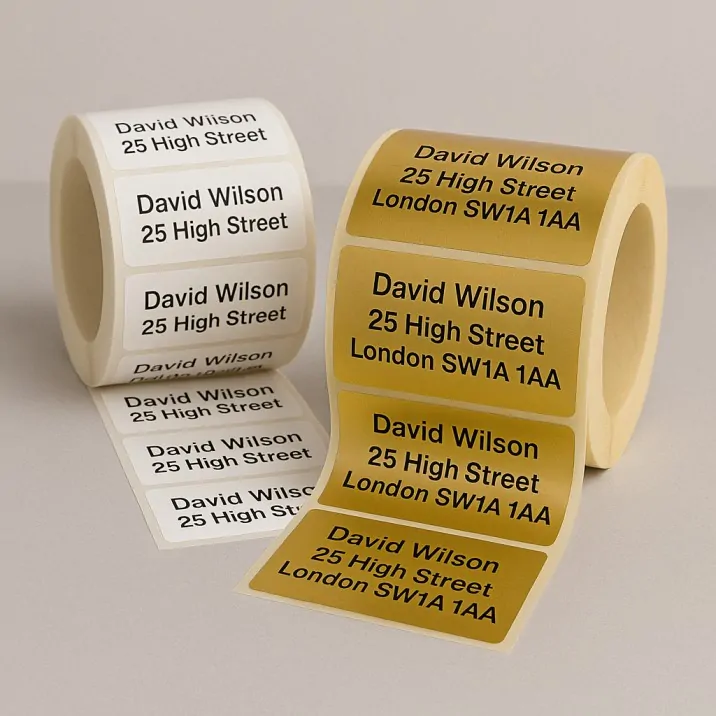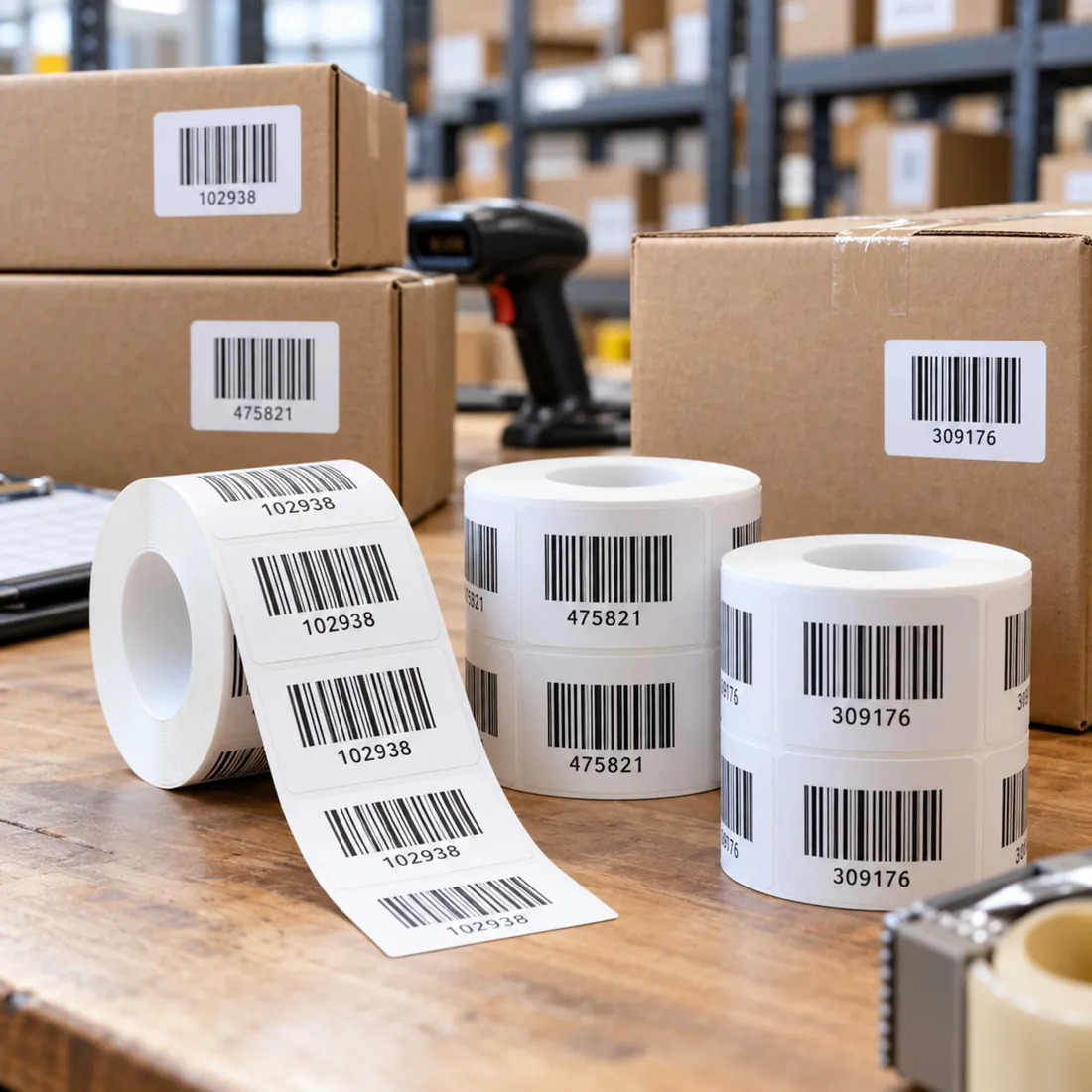



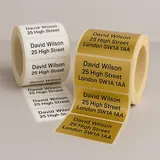








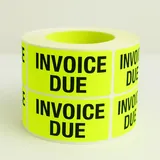
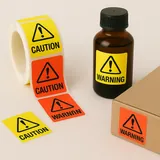

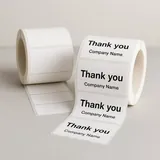

When you already have a Royal Mail PPI licence, ordering labels is an artwork and production task. Keep the official postage mark, your address layout and the physical label specification together so the printer can reproduce the correct file.
Get the current postage artwork
Royal Mail provides current PPI artwork for its account services. Use the design for the service you have arranged, including the correct licence details. Older service names and downloaded files may no longer be appropriate.
Decide what belongs on the same label
Some mailing layouts combine the address and postage mark; others keep them separate. Follow the current service specification and leave required clear areas unobstructed. Do not squeeze a postage mark into a decorative border.
Specify the print run
- Measure the finished label dimensions.
- Confirm the material and adhesive for the envelope or parcel.
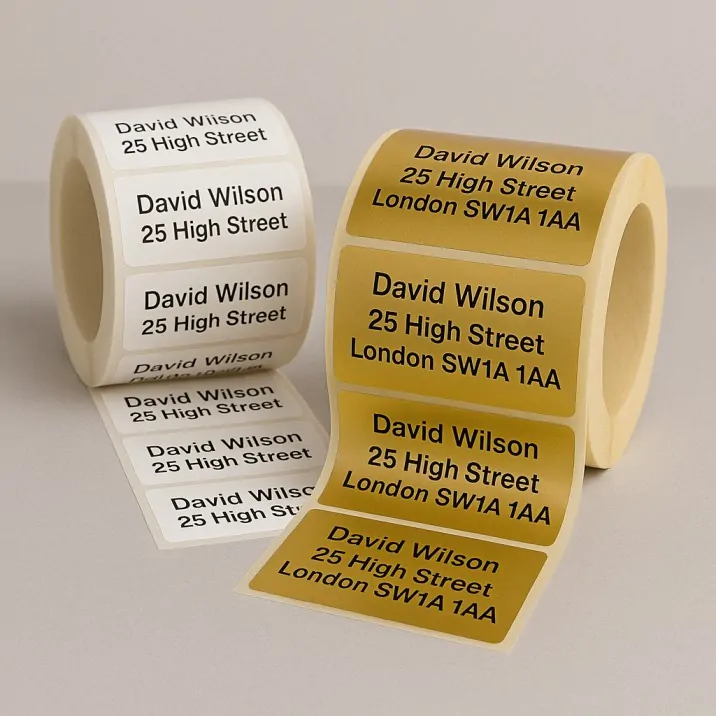
- Choose a supply format that fits your packing process.
- Check the quantity against the mailing you are preparing.
Review a full-size proof
Read the licence details carefully and compare the proof with the official artwork. Check contrast, proportions and any barcode at the size that will actually be printed.
Keep postage and printing separate
Buying printed labels does not buy the mailing service itself. Confirm payment, preparation and handover with Royal Mail. For the print specification, compare address labels or contact Sticky Labels with your completed artwork.
Read the introductory guide
If you have not arranged the account and licence yet, start with what PPI labels are and how they are used.